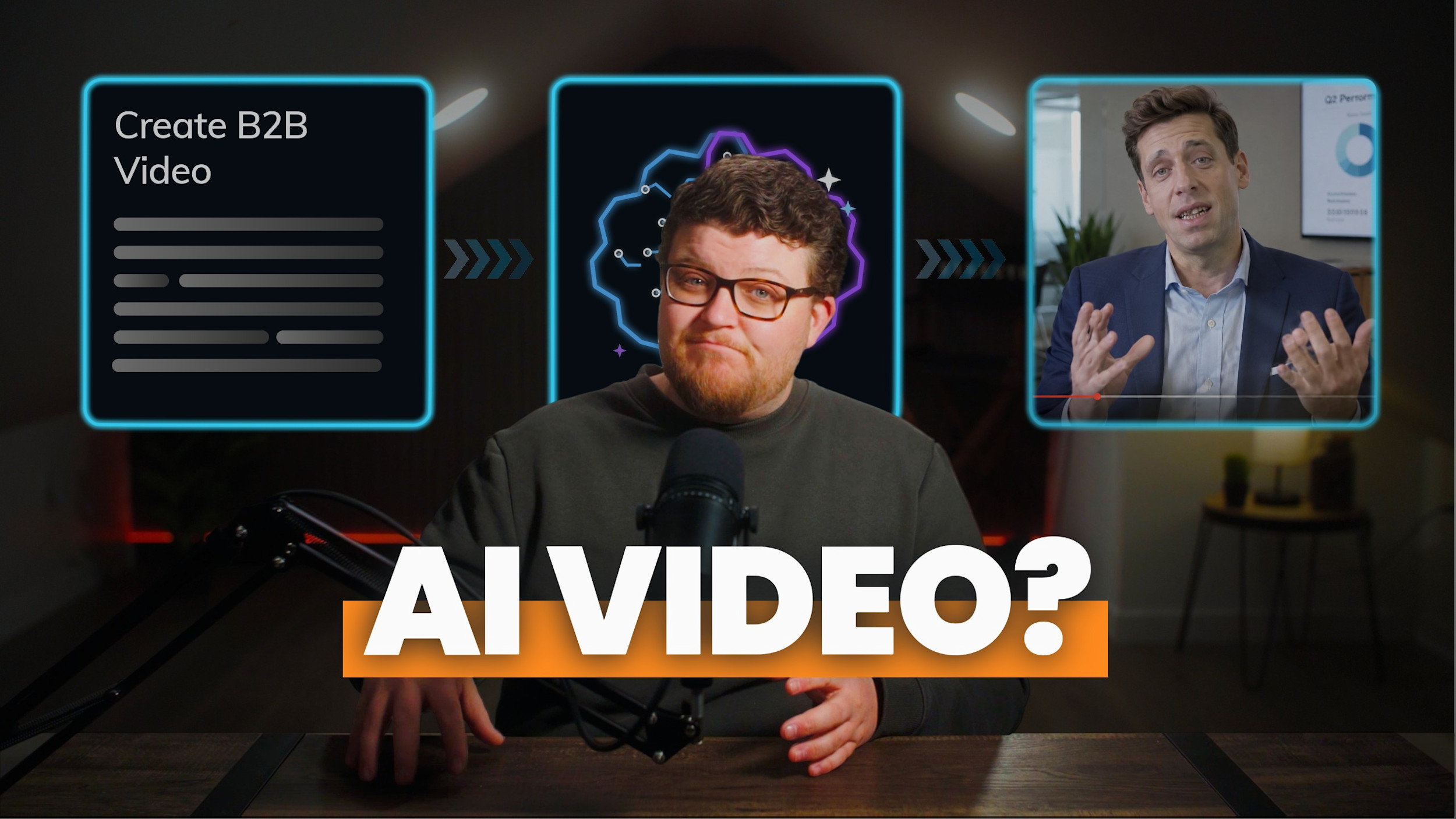

AI video production works best as a process tool, not a shortcut. Used well, AI speeds up the technical work behind a video, like cleaning audio, fixing interview slips, and colour matching footage, and it lets a budget stretch into more finished assets without lowering the quality bar. Used to replace the whole production, it tends to break: feedback rounds turn into guesswork, the brand takes on reputational risk, and the footage still struggles to show believable people. At Oak + Rumble, we use AI every day, but we never hand a client a video that AI made on its own. Someone still has to decide what the video should say and why.
Process tool vs. shortcut: the difference that decides your results
The real question isn't whether to use AI in video production. It's what job you give it.
As a process tool, AI handles specific tasks inside a production that people are still steering. As a shortcut, AI is asked to replace that production and generate the finished video from a prompt. Those sound like two versions of the same idea, but they lead to very different results.
AI as a process tool | AI as a shortcut | |
|---|---|---|
What AI does | Solves specific problems in audio, edit, colour, and planning | Generates the finished video |
Who makes the creative calls | Your production team | Whoever writes the prompt |
What happens with feedback | A targeted fix to one moment | A new generation, and hoping it comes back close |
Brand risk | Low, because the footage is real | Higher, because audiences can often spot it |
One of these makes a production team faster. The other promises to make a production team optional, and mostly delivers a lot of dice rolls.
AI's best work is the invisible work
AI's best work in video is the work nobody notices. It's in almost every project we make, and if it's done right, you'll never know it was there.
Task | How we use AI |
|---|---|
Interview fixes | ElevenLabs to fix a stumbled word, or update a line when information changes before launch |
Audio | Adobe's AI tools to clean up sound and adjust the timing on soundtracks |
Backgrounds | Expanding a background when a shot needs more room |
Eye contact | AI tools that correct eye contact for on-camera talent |
Colour | Matching frames across different cameras, and support in colour grading |
Voiceovers | AI voiceovers where they fit the project |
Pre-production | Ideation and planning before anyone picks up a camera |
None of it is glamorous. That's sort of the point.
Together, these tools have made us about 10 times more efficient than we were five years ago, and that efficiency goes straight to our clients. It's also expanded what's creatively possible on projects with tighter budgets, which brings us to our favourite recent project examples where AI was used.
Two ways AI stretched a real budget
Two examples from our own work show how AI changes what a budget can do: fixing a line after the shoot, and filling an empty auditorium.
Changing a line after the shoot
It happens more often than anyone plans for. The video is shot and edited, and then something changes: a product name, a figure, a line that needs rewording before launch.
Before AI, a fix like that was a small project of its own. We'd make sure the line was covered by B-roll, bring the speaker back into our studio to re-record it, then edit the new audio so its sound and EQ levels matched the original interview. A one-line change often cost hundreds of dollars, and sometimes thousands.
Now we fix it with ElevenLabs in 20 minutes or less, on a subscription that runs about $22 a month. No second studio session, no hunting for a free hour in an executive's calendar, and the budget that used to go to minor fixes can go toward something your audience will actually see.
Filling an empty auditorium
The clearest example of AI adding production value is a brand video we recently made, where we used it to fill a room.
The video was for a consultant launching his consulting and speaking business. The concept called for him to be speaking in an auditorium, and an auditorium sells the idea a lot better when there's an audience in it. Traditionally, that means hiring extras, which would have cost thousands and wasn't in the budget.
So we filmed him in an empty auditorium, then used Higgsfield to fill the seats for a couple of wide shots. A full house that never asked about catering.
The visuals were only half of it. Sound design is what really sells the effect. Layered under those shots, it makes the room sound as full as it looks, and that's what makes the whole thing believable.
What matters is how the pieces split up. AI created the crowd. The speaker, the story, the sound design, and every decision about how the video was shot and edited came from people. AI solved one specific problem inside a production that people were steering, and it made the video look like it had a much bigger budget than it did.
The problem with letting AI make the whole video
In B2B, generating the entire video with AI creates three problems, and they tend to show up quickly.
Feedback turns into a dice roll
Generative AI is unpredictable, so teams often spend hours tweaking prompts and sorting through dozens of generations to find one usable clip. Then a stakeholder has a small note, and you can't just adjust that one moment. You go back to the prompt, generate again, and hope the next version is similar but better.
B2B videos rarely have one reviewer. Multiply that loop across a marketing lead, a department head, and a legal review, and you don't have a workflow anymore. You have a mess.
The brand takes on real reputational risk
Public perception of AI in advertising is rocky at best. Coca-Cola's AI holiday ad is the example we keep coming back to. By Coke's own account, the project involved more than 100 people and 70,000 AI generations, and cost millions, which is comparable to the traditional commercials the company has made in the past. The result was a negative, sometimes angry, public reaction.
The 2026 research points the same way. In a Harris Poll study with the 4As and Infillion, shared at Cannes in June 2026, 73% of consumers said they'd be less likely to trust an ad they suspected was made with AI. Quality changes the reaction, though. A DoubleVerify report from August 2026 found only 29% of UK consumers respond negatively when AI-generated advertising looks polished and professional.
For a B2B brand whose reputation rests on trust, that's a level of exposure you may not want to put your brand through.
The technology still struggles with people
Generative AI is great at scenery. It's still weaker at believable human visuals and movement, and that can make a brand feel distant instead of relatable. Even the companies building these tools say so. When ByteDance released Seedance 2.5 in July 2026, it noted there's still room to improve how realistic complex motion looks and how stable scenes are when several people interact.
Our auditorium example plays to that reality: AI handles a crowd in a couple of wide shots, and a real person carries the video.
AI video production as of fall 2026
As of September 2026, the tools are improving fast, investors are betting big, and the business side is still shaking out.
The money believes the gap is closing.
In August 2026, Higgsfield raised $400 million at a $5.4 billion valuation, more than four times what it was valued at in January.The quality is getting real.
Seedance 2.5, released July 31, 2026, can generate up to 30 seconds of video in a single pass and extend it into multi-minute pieces, with specific work on making skin, eyes, and lighting look less artificial.Not everyone is sticking around.
OpenAI shut down the Sora app in April 2026 and retired its API on September 24, 2026, after reportedly finding it too costly to run.
We might look back on this section in five years and laugh. Nobody knows exactly where AI is going to take us. But in 2026, this is the reality: the tools can make impressive clips, and making an effective video is still a different job.
AI and compliance sign-off
For teams whose videos go through legal and compliance review, AI is most useful when it keeps approved content accurate, and riskiest when it introduces something nobody has reviewed.
Most of our clients work in insurance, financial services, nuclear, manufacturing, and healthcare, where legal and compliance review is part of every project. A few things shift when AI enters the picture:
Approvals depend on predictability.
Compliance signs off on a specific version of a video. With fully generated footage, a small change means a new generation, which means a new version to review.
Late changes get easier.
When legal or compliance asks for a line to change after the shoot, AI voice editing can update it without bringing anyone back into the studio.
Generated visuals deserve the same scrutiny as everything else.
Anything AI adds that looks real, whether it's people, places, or products, should go through review like the rest of the video.
So far, AI hasn't been a sticking point with these clients. We use it inside the process, not as the output, so the final video goes through review like any other.
AI stretches your budget. It doesn't shrink it.
AI doesn't necessarily make video cheaper. It makes your budget go further.
The time AI saves on technical work lets us deliver more finished assets for the same price, at the same quality standard we hold every project to. It also turns fixes that used to cost hundreds or thousands of dollars into 20-minute jobs, and it can put production value within reach that wouldn't have fit the budget before, like an auditorium full of people. If you're still working out what a project should cost in the first place, our breakdown of what B2B video actually costs is a good starting point.
It's the same thinking behind getting more out of every shoot, which we cover in what happens to the 90% of footage that doesn't make the final cut. And it's a big part of how Acorn + Rumble, our video production partnership, turns one production into months of content.
The more capable AI gets, the more judgment matters
As AI tools get better, creative judgment becomes more valuable, not less.
Generating a beautiful shot and knowing why that shot should exist are two different skills. The hard part of video was never making nice images. It's deciding what a brand should say, how it should feel, what the audience needs to understand, and then making hundreds of small decisions that all point the same way.
AI can help with a lot of those decisions. It can't own them. You still need someone behind the wheel who understands why you're building the story and how to put it together.
AI is a tool, but it can't fix a broken video engine. If you want to see where your video strategy is strong and where bottlenecks are holding you back, our benchmark shows how you compare to peers in your industry and gives you a clear roadmap for what to improve next.
Take The 3-Minute Video Benchmark Assessment (free)
Frequently asked questions
Should brands disclose when they use AI in a video?
There isn't a clear industry standard yet. Fixing a stumbled word or cleaning up audio is part of normal editing. Generating something an audience could mistake for real, like people or places that weren't actually there, is a different conversation. The creative and business community is still working through where that line sits, so for now it's worth deciding case by case with your team, and with your legal or compliance team if your videos go through that review.
Does using AI lower the quality of a video?
Not when it's used as a process tool. When AI handles technical tasks like audio cleanup, colour matching, and small interview fixes, and people still make the creative decisions, the quality standard stays the same. Quality problems usually show up when AI generates the finished video on its own, especially in footage of people.
How can you tell if a video agency is using AI well?
Ask what they use AI for and who makes the creative decisions. A good answer names specific tasks, like audio repair or colour matching, and makes clear that a person owns the story, the direction, and the final cut. It's also worth asking how they handle feedback on AI-generated elements, and whether anything AI creates will go through your team's review before launch.
If you're figuring out where AI fits in your video plans, we're always happy to talk it through.
 Book a call
Still here? You’ve earned the full video transcript
Everyone's wrong about AI video production. Can AI enhance elements of your video? Sure. Does it completely replace your production team? Definitely not. If you're a B2B marketer waiting for AI to provide a magical shortcut to high-end production, don't hold your breath.
Now let's address the elephant in the room. I've been a B2B video agency owner for over 12 years. You'd probably expect me to be down on AI, assuming it could affect my business. And the truth is, it has affected my business, and I love it. As an entrepreneur, it's made my agency 10 times more efficient than we were five years ago, and that's efficiency we pass directly on to our clients.
But there's a massive difference between using AI as a video process tool versus using it as a video shortcut, and getting that wrong will fundamentally change your results.
Right now, AI is incredible at the invisible work. We use ElevenLabs to fix interview hiccups, Adobe's AI to clean audio, adjust the timing on soundtracks, or expand backgrounds, and even other AI tools to fix things like eye contact and colour matching frames across different cameras. It's making the technical execution so much easier, and it's expanding the creative possibilities on projects with limited budgets.
In B2B, when you use AI as a shortcut to create the entire video, it breaks.
First, it creates a massive bottleneck in your feedback loop. Because generative AI is so unpredictable, teams often spend hours tweaking prompts and filtering through dozens of generations just to identify one usable clip. If a stakeholder has one small note, you now have to go back to the prompt, roll the dice again, and hope AI produces something similar but better. Multiply that over an entire project, and you don't have a workflow. You have a mess on your hands.
Brand risk is another huge factor. The public perception of AI is rocky at best. If you need any evidence of this, read the comments on Coke's AI holiday ad on YouTube. According to Coke, that project involved 100-plus people, 70,000 AI generations, and cost the company millions, a price comparable to traditional non-AI commercials they've produced in the past. All of that to get a negative, sometimes angry reaction from the public in the end. In B2B, that's just a level of exposure you may not want to put your brand through.
And lastly, the technology just isn't there yet. Generative AI is great at landscapes, but it still struggles with believable human visuals and movement, and that can make your brand feel distant, not relatable.
We may look back on this video five years from now and laugh. Nobody knows where AI is going to take us, but in 2026, this is the reality. AI is a great tool for enhancement, but you still need someone behind the wheel who can drive your video. Someone who understands why you're building the story and how to construct it.
What this means for your budget isn't that video necessarily gets cheaper, but that your budget goes further. AI allows us to provide a much greater number of assets for the same price, while maintaining the quality standards we have for all client projects. And I'd say that's a pretty cool thing.
AI is a tool, but it can't fix a broken video engine. If you want to see where your strategy is actually strong and where bottlenecks are holding you back, take our three-minute B2B Video Benchmark Assessment. It's a tool you can use to see exactly how you stack up against peers or competitors in your industry, and get a clear roadmap for a successful video marketing strategy going forward. The link to that is in the post above or the description below.